Brand designer
Upload a product campaign image and look for related compositions, lighting, and art direction.
Build a tighter visual moodboard before developing a new campaign.
Visual discovery
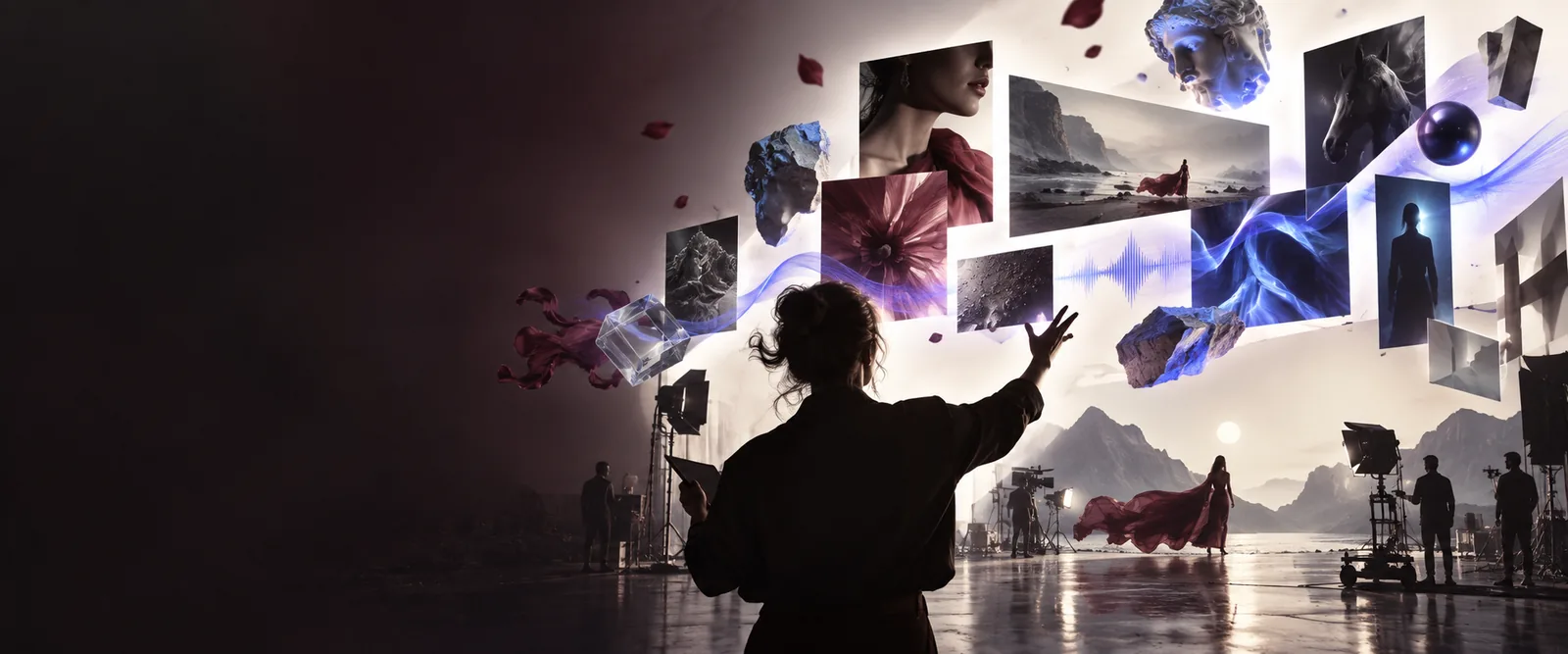
Use an existing image as your starting point, then explore related visuals, styles, and ideas without rebuilding the search from words alone.
Prerequisites
A focused reference produces a more useful visual search. Before starting, prepare an image that gives the search a clear subject, style, or composition to follow.
Use a clear image with a visible subject, recognizable composition, or distinctive visual treatment. A tightly cropped reference is often easier to interpret than a busy collage.
Decide whether you are looking for a similar subject, color palette, layout, mood, or production style. This keeps the results useful instead of merely familiar.
Know how you will judge the results: visual direction, campaign research, illustration references, or a starting point for a new design.
One full run-through
The workflow is simple: bring a visual clue, inspect the patterns in the results, and save the references that can inform your next creative decision.
Upload a product campaign image and look for related compositions, lighting, and art direction.
Build a tighter visual moodboard before developing a new campaign.
Start with a thumbnail or portrait reference when words do not capture the look you want.
Find visual directions for posts, covers, and short-form content more quickly.
Use a distinctive character, pose, or color treatment to locate adjacent references.
Compare styles and collect prompts for a more coherent illustration set.
Search from an existing campaign asset to find complementary graphics and vector elements.
Reduce visual drift while extending a shared creative system.
Options table
Different starting images support different kinds of discovery. Choose the route that matches the decision you need to make.
 Subject
Step 1
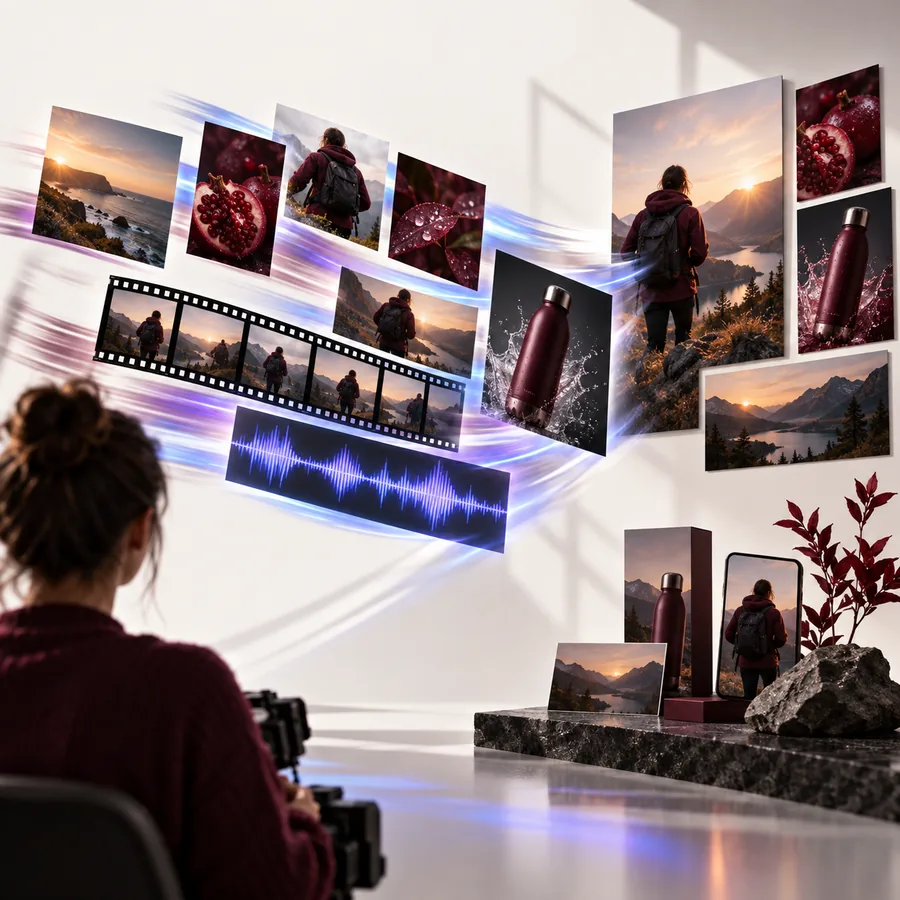
Choose this route when the object, person, setting, or scene matters most. It helps you locate references with a comparable visual focus while leaving room for different execution.
 Style
Style
Step 2
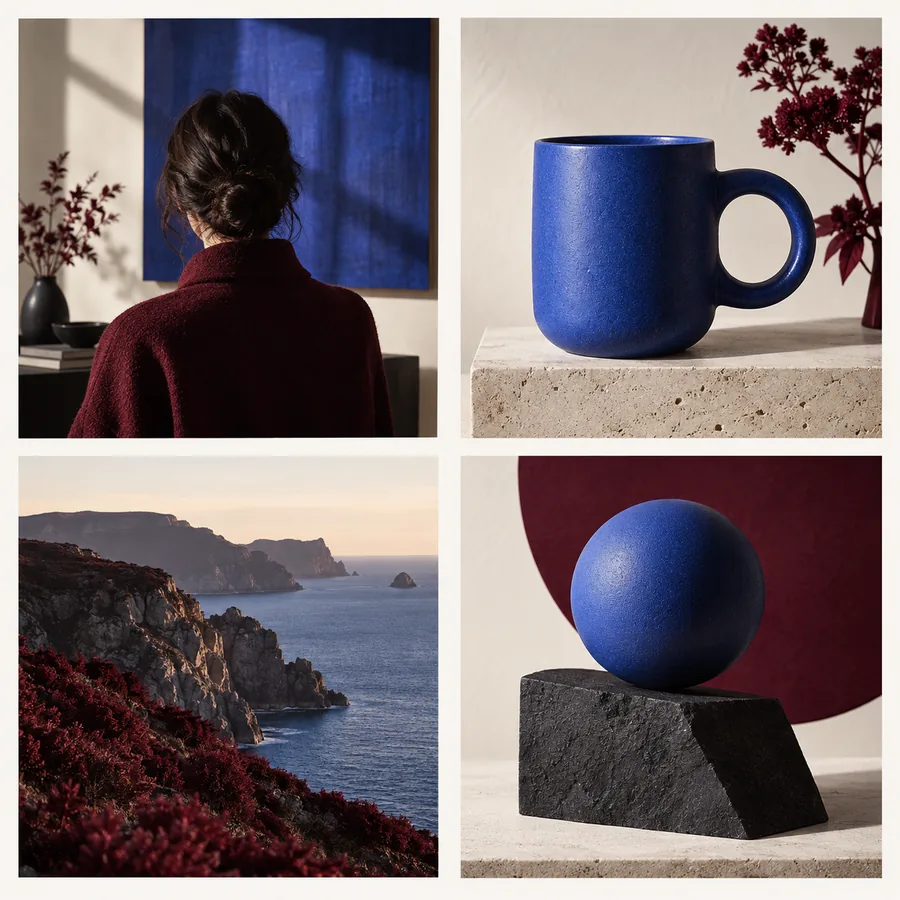
Use a reference with a distinctive palette, texture, lighting setup, or illustration treatment. This is useful when you already know how the work should feel.
 Layout
Step 3
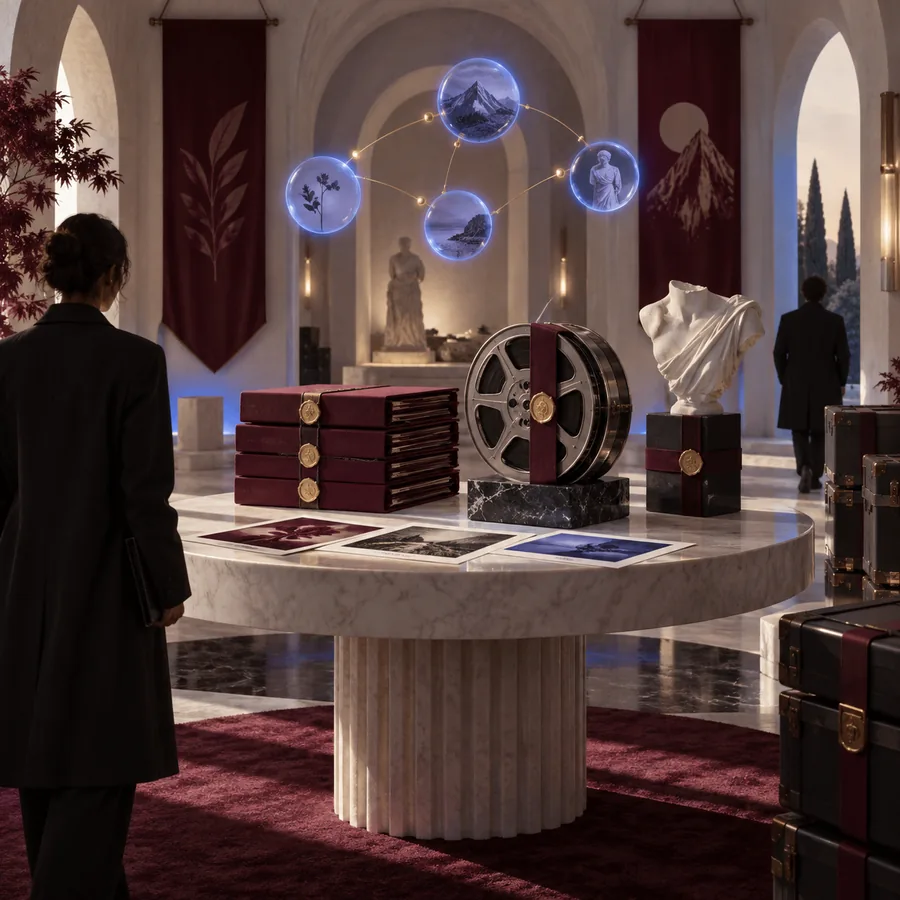
Start with an image whose layout is doing the work: a headline area, product position, portrait crop, or strong geometric arrangement.
What fails
Image search works best when the reference contains a clear visual signal. These common issues can make results broad, repetitive, or difficult to apply.
Busy images
A collage, crowded scene, or image with several competing focal points can make it unclear what should be matched. Crop the reference around the subject or visual treatment that matters most.
Low-quality files
A tiny or heavily compressed image may lose the color, texture, and edge information that makes a visual distinctive. Use the clearest available version and avoid adding text-heavy screenshots.
Unclear goals
A result can look similar while missing the reason you chose the reference. Decide whether you need a matching subject, style, or layout before judging the result set.
Continue exploring
Once you have a useful reference, these adjacent Freepik workflows can take the idea further.
Make the next search useful
Bring a reference into Freepik, identify the visual pattern worth keeping, and use the results to guide your next concept instead of searching from a blank page.
Your questions
Answers to common questions about using Freepik search by image for visual research and creative discovery.
Freepik search by image helps you discover visuals related to an existing reference instead of relying only on text keywords. You can use it to research subjects, styles, compositions, and creative directions.
You can start with many types of visual references, but clear images with one recognizable subject or style usually produce more useful results. Cropping out unrelated content can make the search easier to interpret.
Choose the attribute that matters most for your project. A product image can help you find similar subjects, while an image with distinctive lighting or layout may be more useful for style or composition research.
Visual similarity does not always match your creative goal. Refine the reference, clarify whether you need the subject or visual language, and compare results against the actual brief rather than appearance alone.